Laravel on Windows Via Frankenphp, and WinSW

When limited to deploying on a local network comprised of Windows Machines, Frankenphp is probably the best way to do it.
This note assumes some basic knowledge of PowerShell. For ease of installation Composer will be installed via windows installer (msi) and node and git via winget.
Requirements:
- Windows Machine
- frankenphp
- Composer
- Node.js
- WinSW
- Git
Target Outcome
Trying to have it as self-contained as possible. Below is the directory structure to be used.
Directory structure:
C:\
└── dev\
    ├── frankenphp\
    ├── src\
    └── README.md
Steps to Create
- Create the directory structure.
New-Item -Path "C:\dev" -ItemType Directory
Set-Location -Path "C:\dev\frankenphp"- Install frankenphp using its ps1 script.
$env:FRANKENPHP_INSTALL = C:\dev\frankenphp
irm https://frankenphp.dev/install.ps1 | iex
[Environment]::SetEnvironmentVariable('PATH', "C:\dev\frankenphp;" + [Environment]::GetEnvironmentVariable('PATH', 'User'), 'User')- Download and Install PHP Composer
- Visit download page
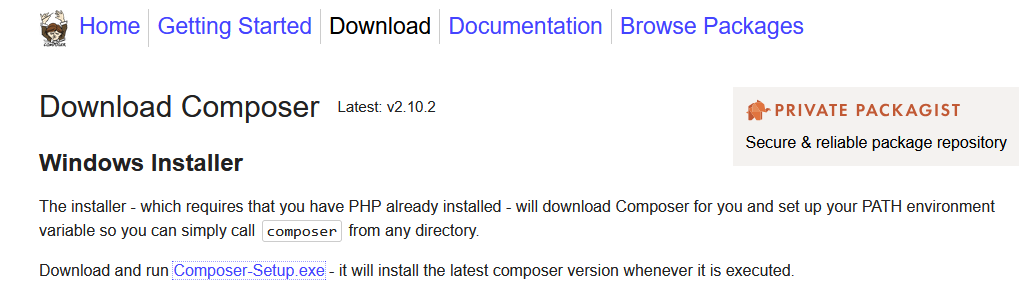
- or download now...
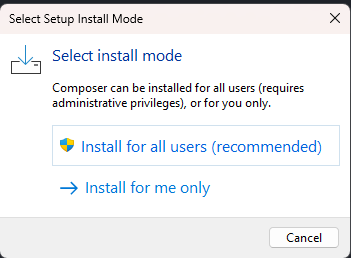
- Run the installer select "install for all users"
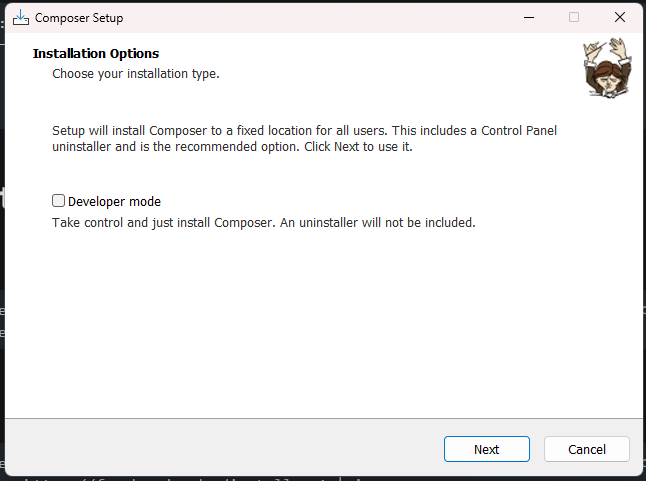
- To have setup create an uninstaller make sure "Developer mode" is unchecked
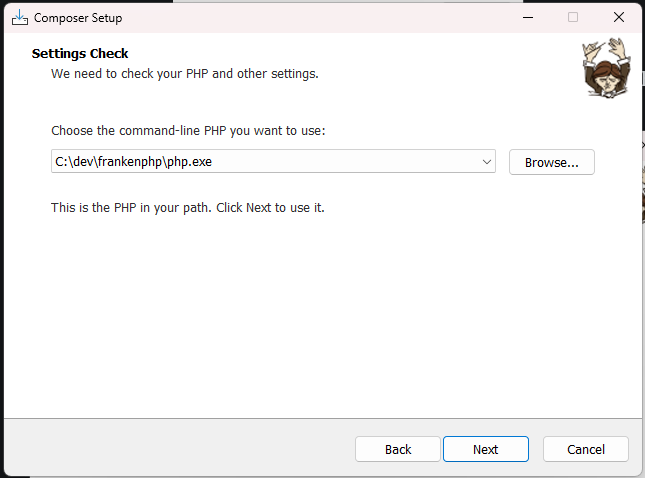
- A prompt asking for which php to use will come up. The frankenphp binary we installed comes with a precompiled php use this.
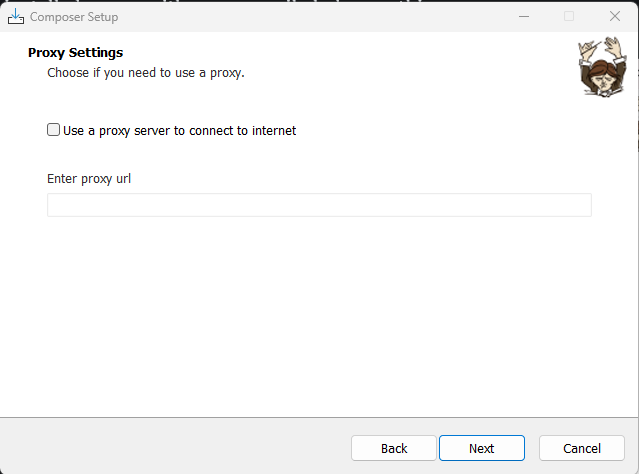
- Next prompt is to ask if we are using a proxy. This will depend on your current setup.
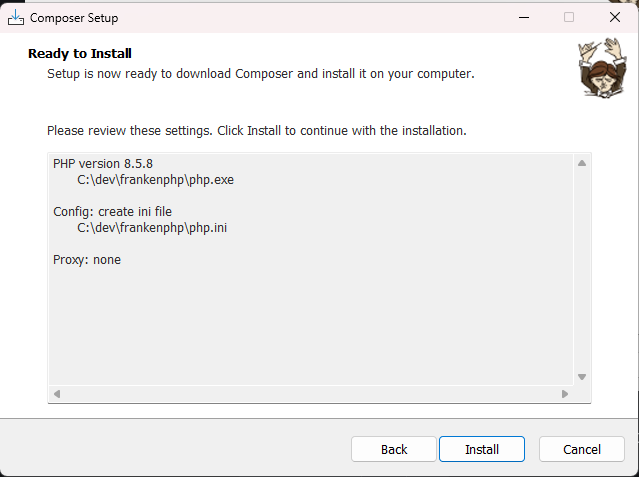
- The succeeding screen displays all configured options. Click Install to proceed. Back if changes need to be done.
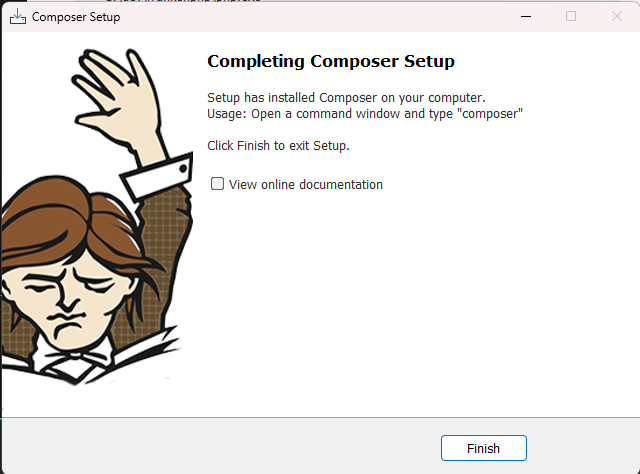
- If all goes well Composer will be installed. Environment variables will be preconfigured. At this point click Finish.
- Install Node.JS
Run the following command to install the latest Long-Term Support (LTS) version of Node.js
winget install OpenJS.NodeJS.LTS
# Optional: to check if install was successful
node --version
npm --version
# if npm throws a “running scripts is disabled on this system,” error...
Set-ExecutionPolicy RemoteSigned -Scope CurrentUser- Install WinSW
Invoke-WebRequest -Uri "https://github.com/winsw/winsw/releases/download/v2.12.0/WinSW-x64.exe" -OutFile "C:\dev\frankenphp\fp-svc.exe"- Create an xml file named "C:\dev\frankenphp\fp-svc.xml"
- Below is a basic xml for winsw. Edit it as needed.
<service>
  <id>frankenphp</id>
  <name>FrankenPHP</name>
  <description>The modern PHP app server (https://frankenphp.dev)</description>
  <executable>%BASE%\frankenphp.exe</executable>
  <arguments>run --config %BASE%\..\src\Caddyfile</arguments>
  <log mode="roll-by-time">
    <pattern>yyyy-MM-dd</pattern>
  </log>
</service>- Optional: Install Git
winget install --id Git.Git -e --source winget- Create "src" folder and move php code or use git download the code from a repository. Then create the file "Caddyfile" inside the "src" folder.
{
    # Global Configuration
    # To prevent using ssl certs (at least for now)
    auto_https off
}

:80 {
    # Listen on port 80
    # App entry point (index.php) located at src\public directory
    root "C:\dev\src\public"
    encode zstd br gzip
    php_server
}